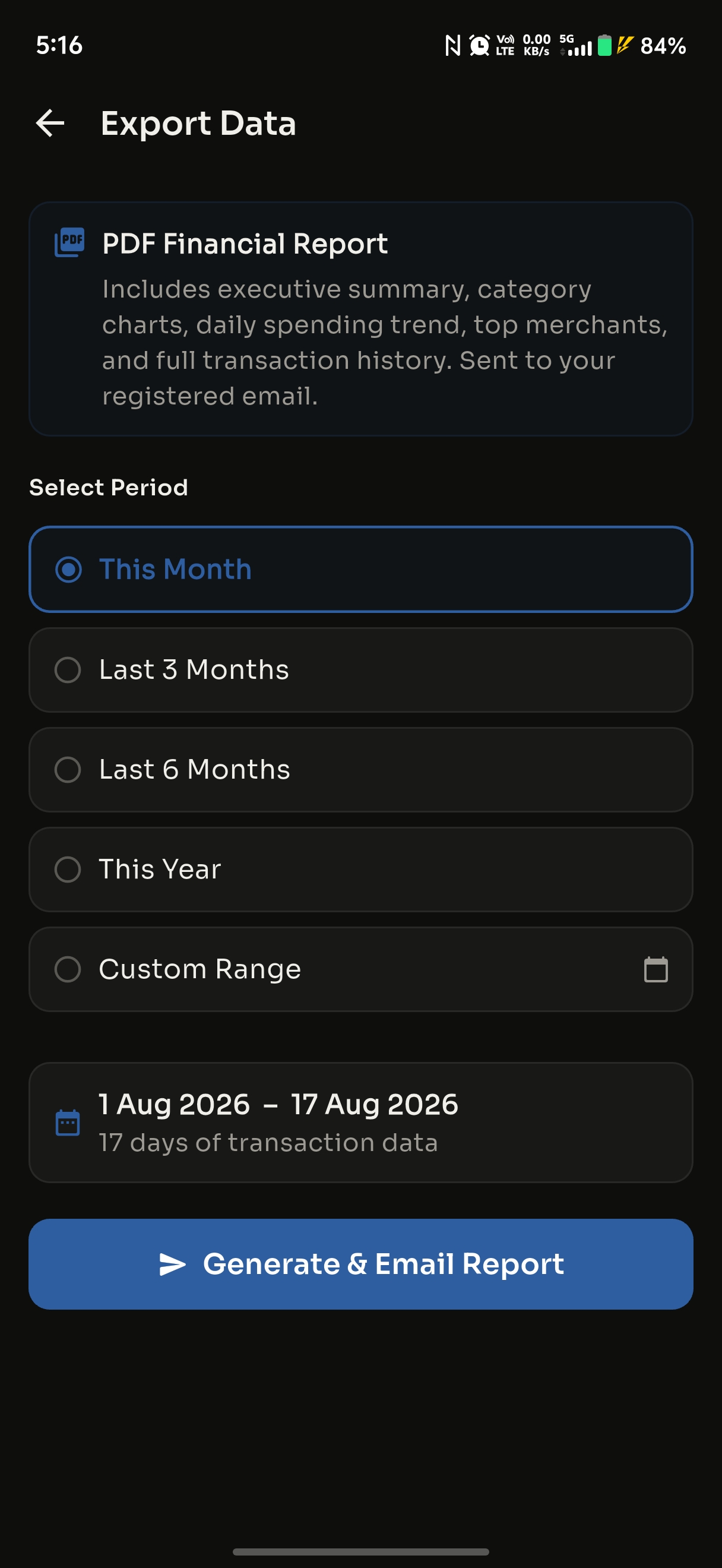
Automatic tracking
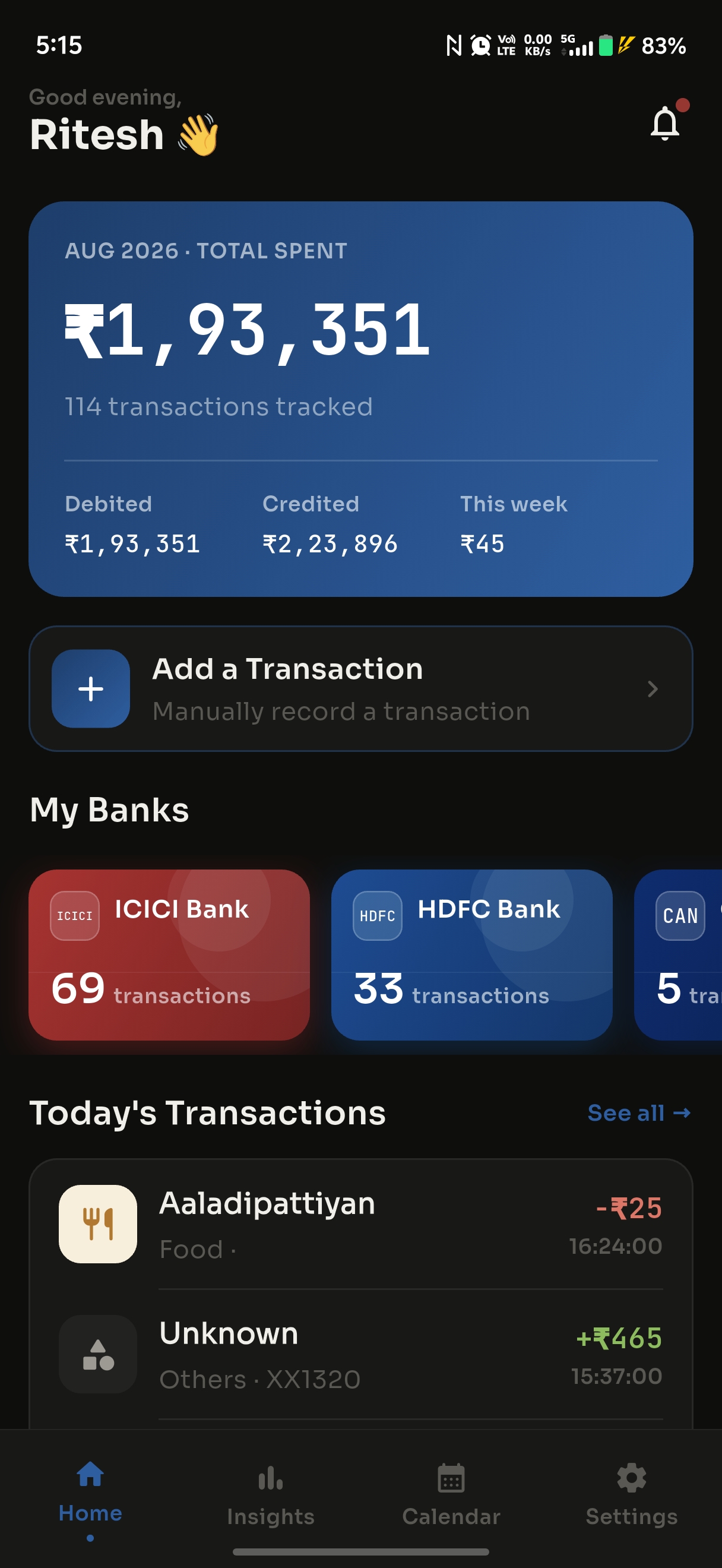
The moment a debit or credit SMS arrives, it's logged, categorized, and added to your dashboard. Manual entry is optional, never required.
Paisa Tracker turns your bank's transaction SMS into a clean, categorized record of your spending — with insights, budgets, and reports. No manual entry, no spreadsheets. And only bank transaction alerts are ever read.
📌 Installs directly (not from the Play Store) — follow the quick install steps or Android may block it.
Manual expense tracking fails because it's manual. Paisa Tracker just… does it.
No receipts to snap, no rows to type. Paisa Tracker does the work the second a transaction happens.
The moment a debit or credit SMS arrives, it's logged, categorized, and added to your dashboard. Manual entry is optional, never required.
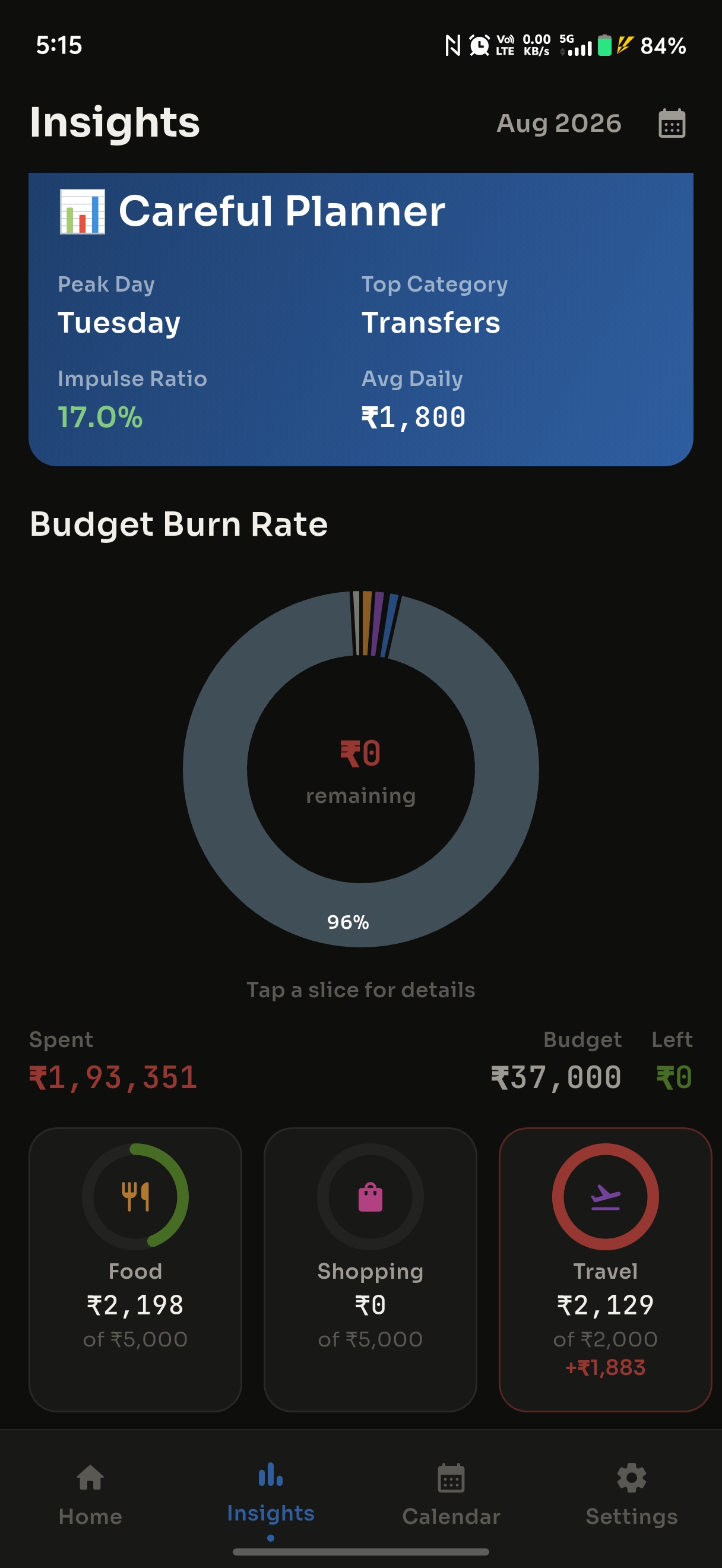
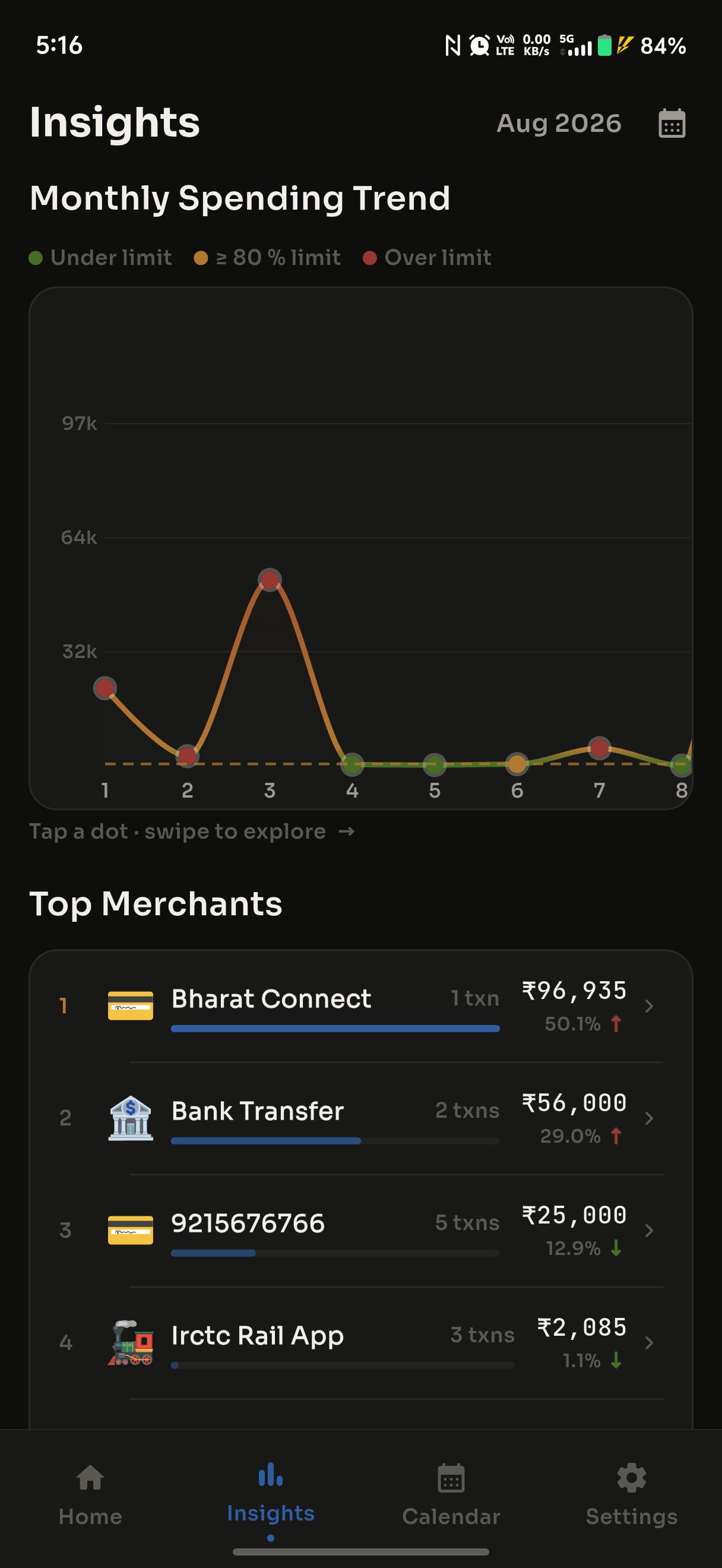
Spending trends, top merchants, category breakdowns, your monthly burn rate, and a "money personality" — all computed for you.
Set a limit per category and watch your burn rate live. Get a nudge before you overspend — not after.
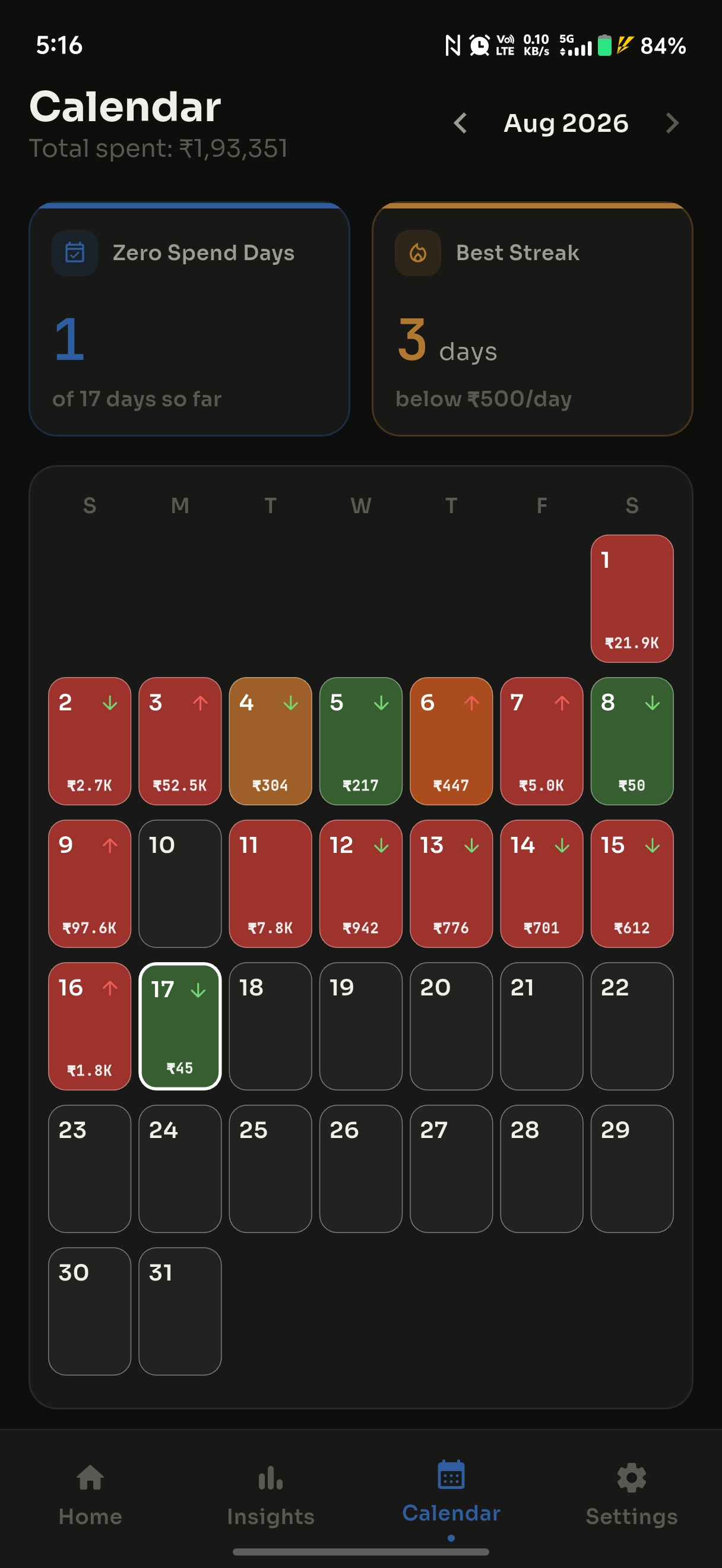
A month-at-a-glance heatmap reveals your spending rhythm, so heavy days jump out instantly.
Drill into any bank or category to see exactly what you spent, when — with search, filters, and monthly totals.
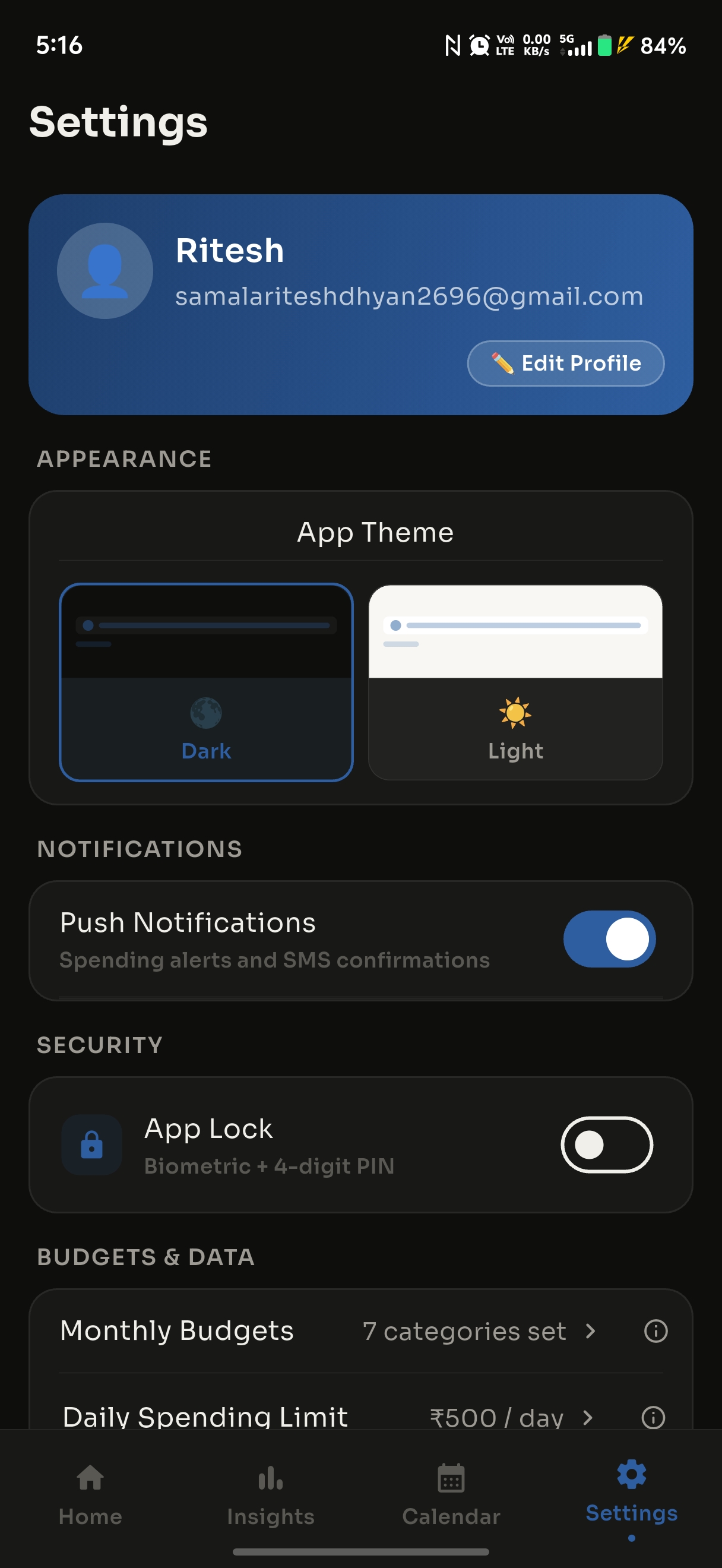
Your data is AES-256 encrypted and yours alone. Lock the app behind your fingerprint or PIN. We never sell your data.
Clean, fast, and focused on the numbers that matter.


Download from this page and install — a quick one-time setup (full guide below).
Grant permission so the app can read your bank transaction alerts. That's the only source it reads.
Your transactions appear automatically — sorted, categorized, and ready to explore.
SMS access is powerful, so here's exactly how it's used. Nothing hidden.
Banks send an SMS for every transaction. Paisa Tracker reads those alerts so it can log your spending the instant it happens — with no manual entry.
Google restricts apps that read SMS. Because reading your bank alerts is the whole point, we distribute the app directly from this site instead — and we're upfront about exactly what's read.
Paisa Tracker installs directly (not via the Play Store), so there are a couple of extra taps the first time. It takes about 30 seconds.
Because it installs from outside the Play Store, Android shows a couple of security prompts (and Google Play Protect may warn you). That's normal for direct downloads — just follow the 4 quick steps and you're done in about 30 seconds.
Tap Download for Android above. Your browser saves paisa-tracker.apk to your phone.
Open the downloaded file. If Android says installs from this source aren't allowed, tap Settings → Allow from this source, then go back and tap Install.
Because the app is installed outside the Play Store and reads bank SMS, Google Play Protect may show a caution. This is standard for direct-download apps — it's Android being careful, not a sign of a problem. Tap More details → Install anyway if you're happy to continue. Your data stays encrypted on your device.
On some phones Play Protect blocks the install outright with no “Install anyway” button. You can pause it for a moment, install, then switch it right back on:
Please re-enable Play Protect afterwards. Pausing it only to install a specific app you trust is fine; leaving it off removes protection for everything else.
Launch Paisa Tracker, sign in, and allow SMS permission when asked — that's what lets it track your transactions automatically. For reliable background tracking, also allow it to ignore battery optimization if prompted.
Honest note: we'd never ask you to blindly turn off your phone's security. The steps above only permit this one app to install and read your bank alerts. If anything feels off, don't proceed — and reach out to us.
Yes. The Android warnings you may see are standard for any app installed outside the Play Store — they're about how you're installing, not whether the app is trustworthy. Your financial data is encrypted and stays on your device.
No. Paisa Tracker only processes bank transaction alerts — messages with a payment amount and a debit/credit keyword. Personal chats, OTPs, and promotional messages are filtered out and never processed or uploaded.
Google restricts apps that read SMS. Reading your bank alerts to track spending automatically is the app's core feature, so we distribute it directly here — and we're upfront about exactly what's read.
Only your bank transaction details, parsed from transaction SMS and stored encrypted so the app can show you your spending. No ads, no selling your data. You can delete your account and all data anytime, and read the full privacy policy.
It works with the transaction SMS from major Indian banks. If a message from your bank isn't picked up, you can report it in-app and add the transaction manually.
Yes — Paisa Tracker is free, with no ads.
The app tells you when a new version is available. Just come back to this page and download the latest — it installs over your current version, keeping your data.
Free, private, and automatic. Install in under a minute.
Get Paisa Tracker — Free